LOG
Every tasting, remembered
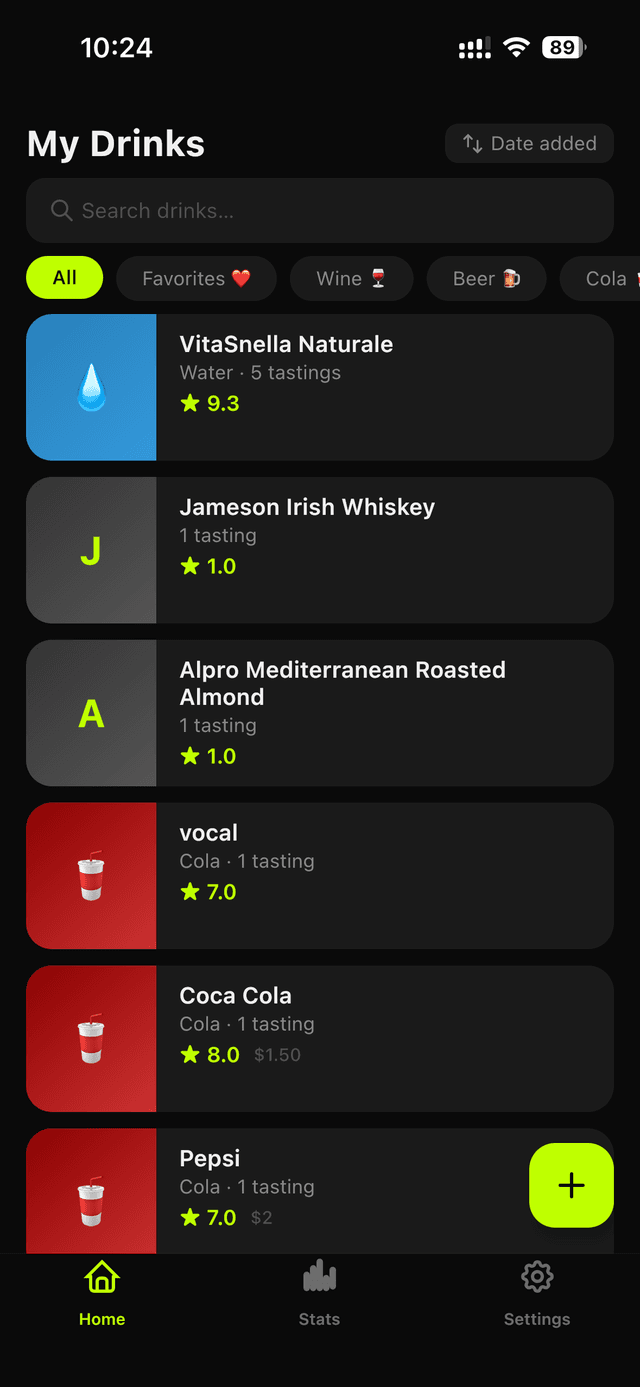
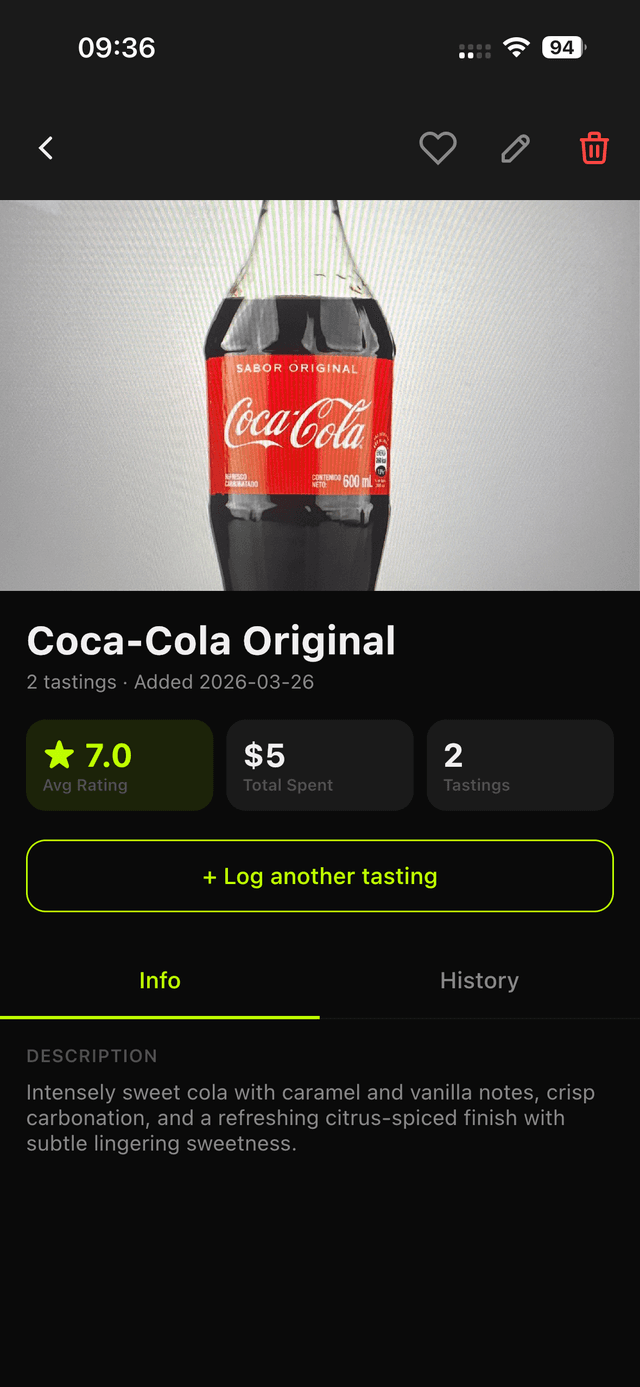
Rate drinks 1–5, capture price, place, and tasting notes — and log repeat tastings to see how your palate evolves over time.
Drink tracker & taste journal · iOS + Android
Log every wine, beer, cocktail, whisky, and coffee you taste. Rate it, note it, scan the label with AI — and keep your whole tasting history in one journal.


The journal
Rate drinks 1–5, capture price, place, and tasting notes — and log repeat tastings to see how your palate evolves over time.
Wine, beer, coffee, tea, cocktails, whisky, spirits — plus custom collections and tags that cut across all of them.
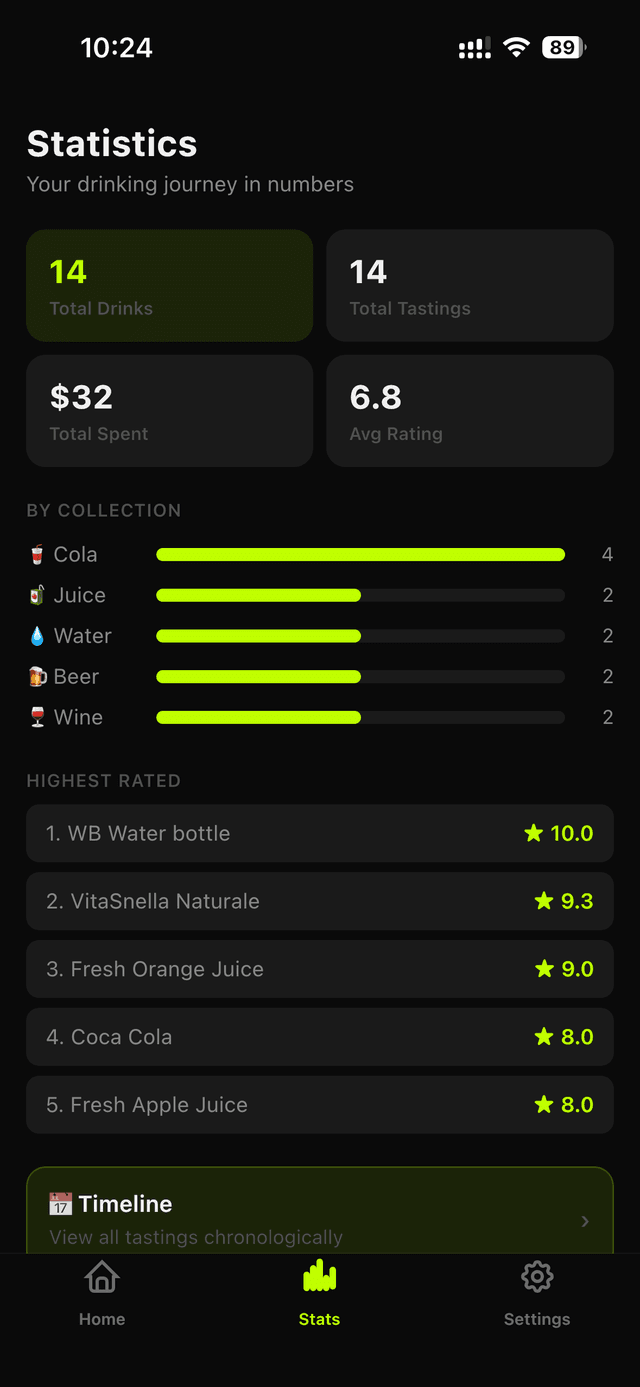
Totals, money spent, average rating, charts by collection, your top-rated list, and a chronological timeline of everything you tasted.
Sign in with Apple or Google and your drinks, tastings, photos, and collections stay in step on every device.
Turn any drink into a personalized share card — photo, rating, and notes — ready for the system share sheet.
Can't decide what to open tonight? Let Drinkist pick a drink from your own collection — rediscover bottles you forgot you loved.
AI label scanner
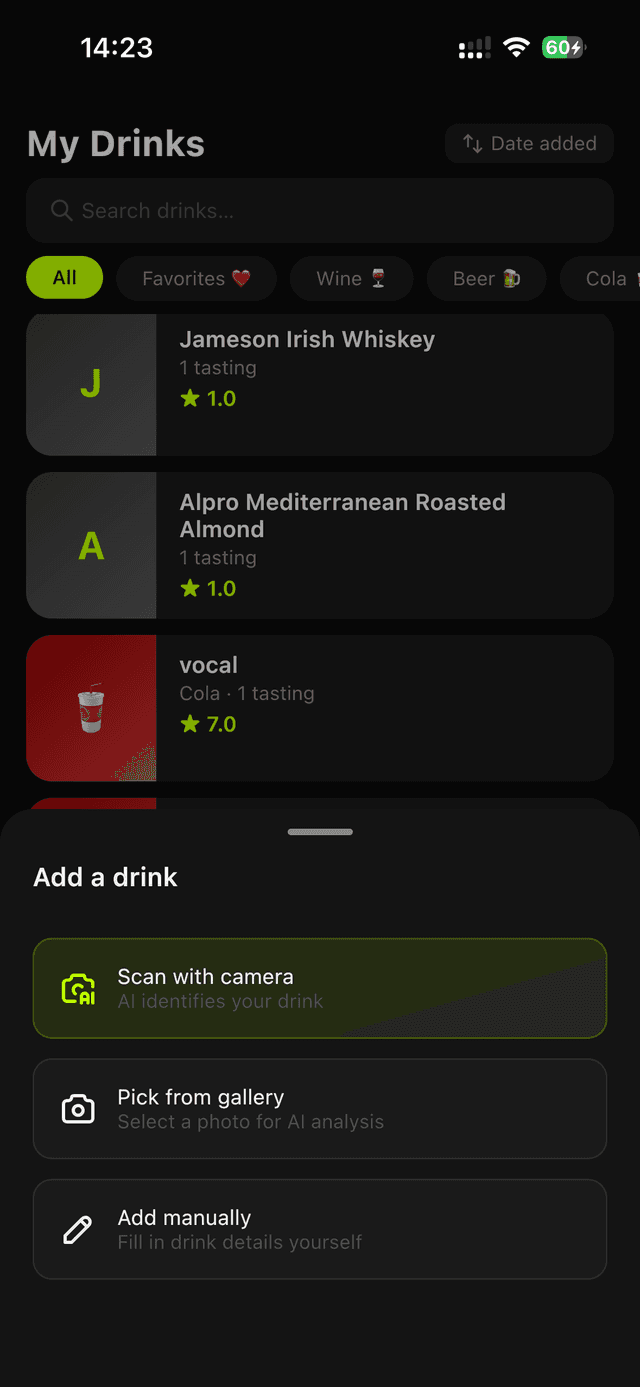
Aim your camera at any label — or pick a photo from your gallery — and Drinkist identifies the drink and fills in the details. One more tap logs a tasting.
Good to know
Yes. Drinkist is free to download and use on iOS and Android. You can start logging tastings right away, with an optional upgrade only if your collection outgrows the free tier.
Everything you drink — wine, beer, cocktails, whisky and other spirits, plus coffee and tea. Organise them with built-in categories, custom collections, and tags that cut across all of them.
Point your camera at any label — or pick a photo from your gallery — and Drinkist identifies the drink and fills in the brand, type, vintage, ABV, and country of origin, and even drafts tasting notes. One more tap logs the tasting.
Yes. Drinkist is available on the App Store and Google Play, and your journal syncs between iOS and Android.
Yes. Sign in with Apple or Google and your drinks, ratings, photos, notes, and collections stay in sync on every device.
Vivino is built for wine and Untappd for beer. Drinkist is one journal for everything you drink — wine, beer, spirits, cocktails, and coffee — with AI label scanning and stats across all of them.
See the full comparisons →Download Drinkist free and log your first drink in under a minute. Free to start — upgrade only if your collection outgrows it.
 Drinkist